Case studies / 03
Portfolio Management System (PMS) modernization
- Client
- Mercedes-Benz Global Training
- Product
- PMS — internal training production tool
- Research
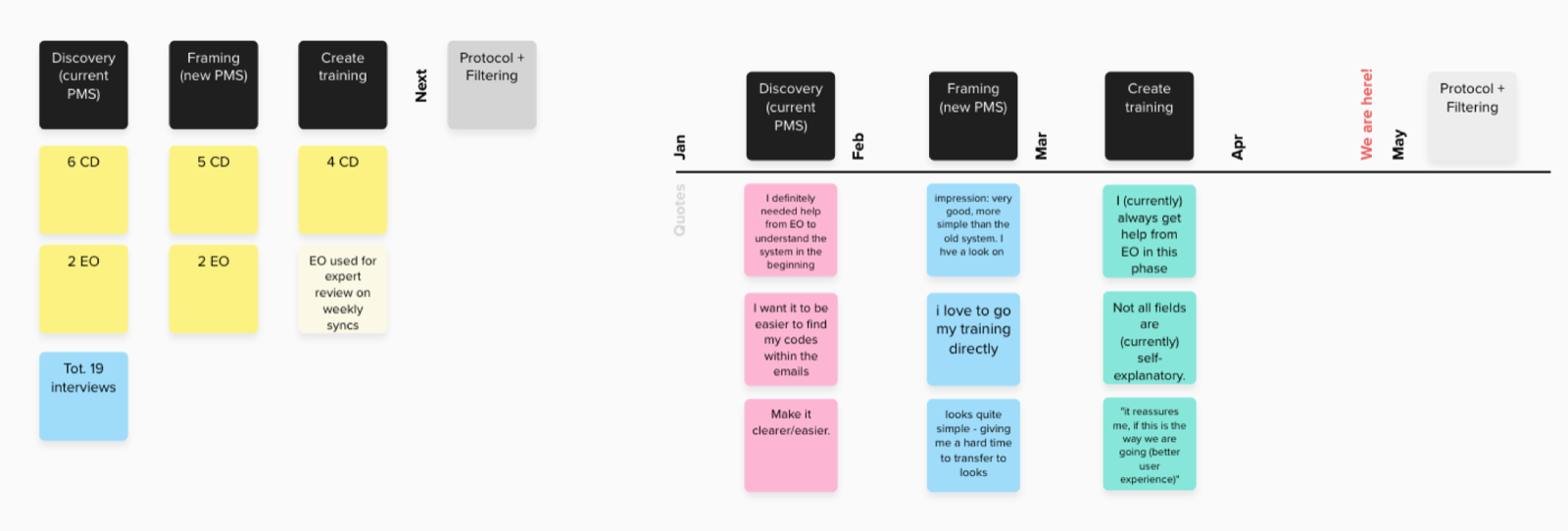
- 4 rounds of interviews
- Stack
- Angular · Material Design (v16)
# The customer
The Mercedes-Benz Group AG (formerly Daimler AG) is one of the world’s most successful automotive companies.
Mercedes-Benz AG is one of the leading global suppliers of premium and luxury cars and vans. Mercedes-Benz Mobility AG offers financing, leasing, car subscription and rental, fleet management, digital services for charging and payment, insurance brokerage and innovative mobility services.

# The product
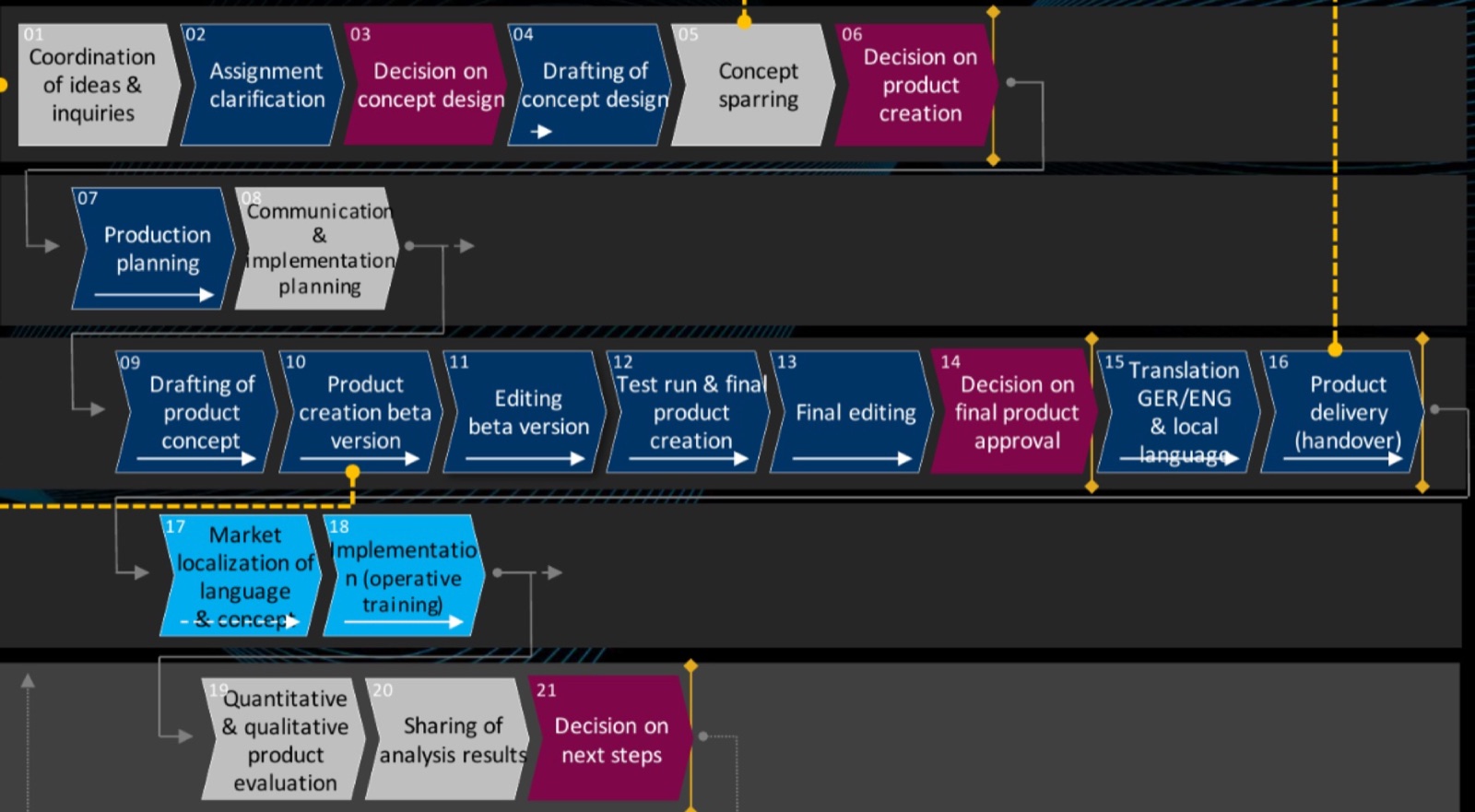
Mercedes-Benz Global Training (MB GT) is responsible for producing and delivering internal and dealership training worldwide. It builds and operates multiple tools supporting its training production process, the “Produktentstehungsprozess” (PEP).
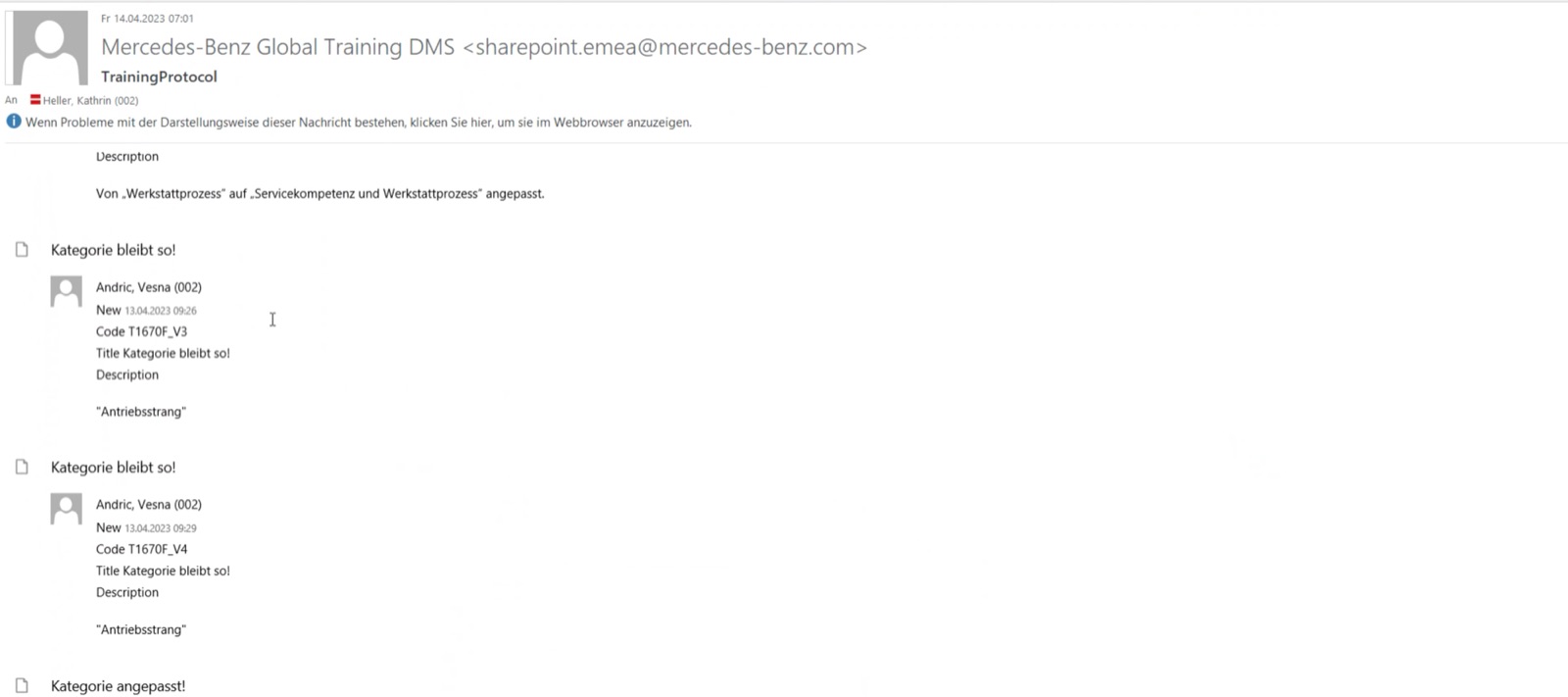
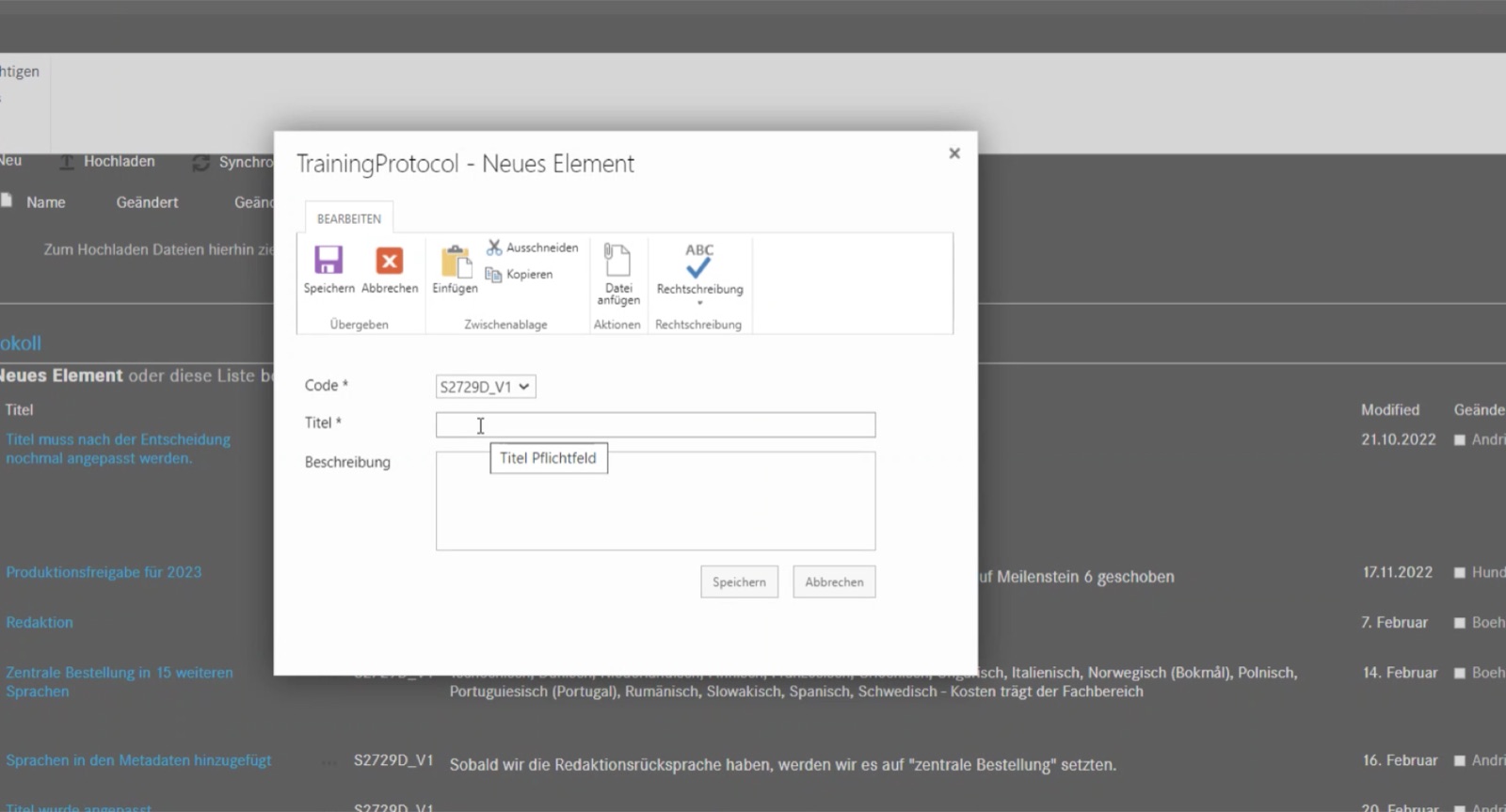
To track and trace each training through that process, MB GT had an external partner build a Microsoft SharePoint application: the “Produktmanagementsystem” (PMS).
# The project
PMS, one of their core legacy applications, needed to be redesigned to better support the different roles involved in creating trainings — and moved to a modern technology (cloud based, DevOps…), as SharePoint was being sunset.
Product
Help Mercedes-Benz rebuild a legacy application and give business continuity.
Enablement
Help the new team understand the process behind a legacy app, and shift from a project to a product mindset.
# Users
Concept developers
Job to be done: develop trainings PEP-compliant, without errors, and provide them to the user. Main scenario: editing and accepting content.
- Too complex — in the end, concept developers just call the GT teams
- PMS training content is not read through
- FAQs & tutorials are forgotten too
- Processes are forgotten and then performed incorrectly

Editorial office
Job to be done: constantly optimize PMS, map the complete Global Training portfolio and test it through; assign proofreading and support concept development.
- Optimize, edit and archive old and new training content
- Make sure changes are adopted correctly by other teams
- Ensure cost calculation
- Hand files over to localization; optimize translation quality and time
- Main pain: supporting the processes to avoid blockages
# What we did
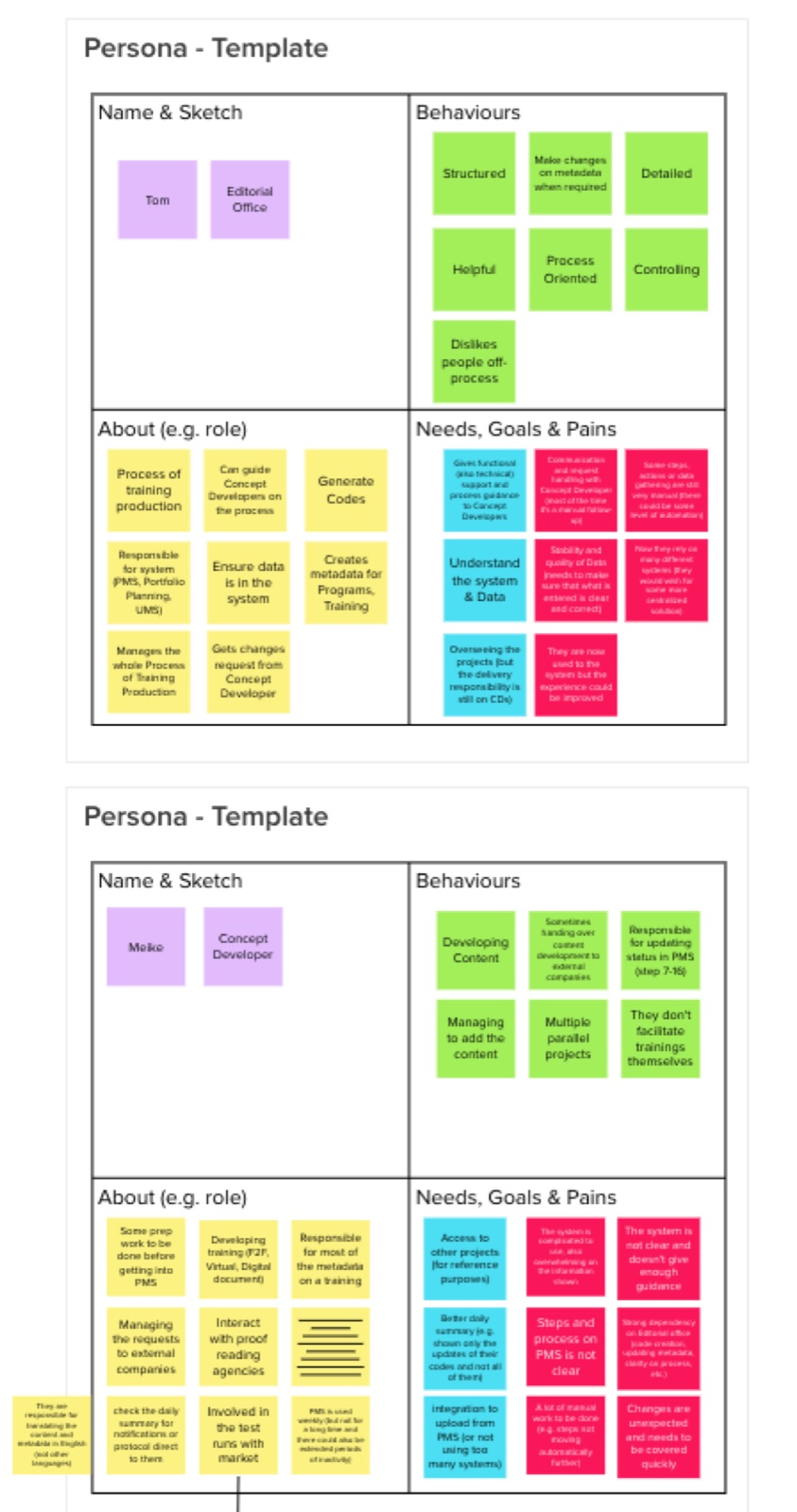
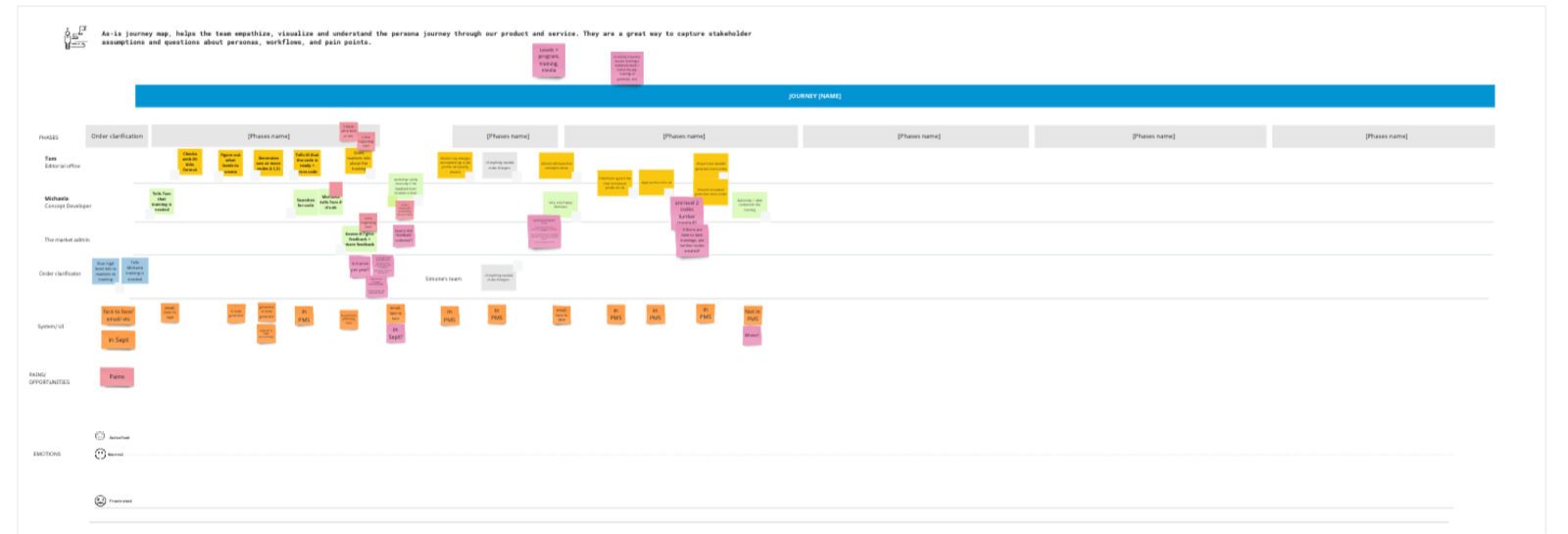
Proto-personas, user journey & documentation
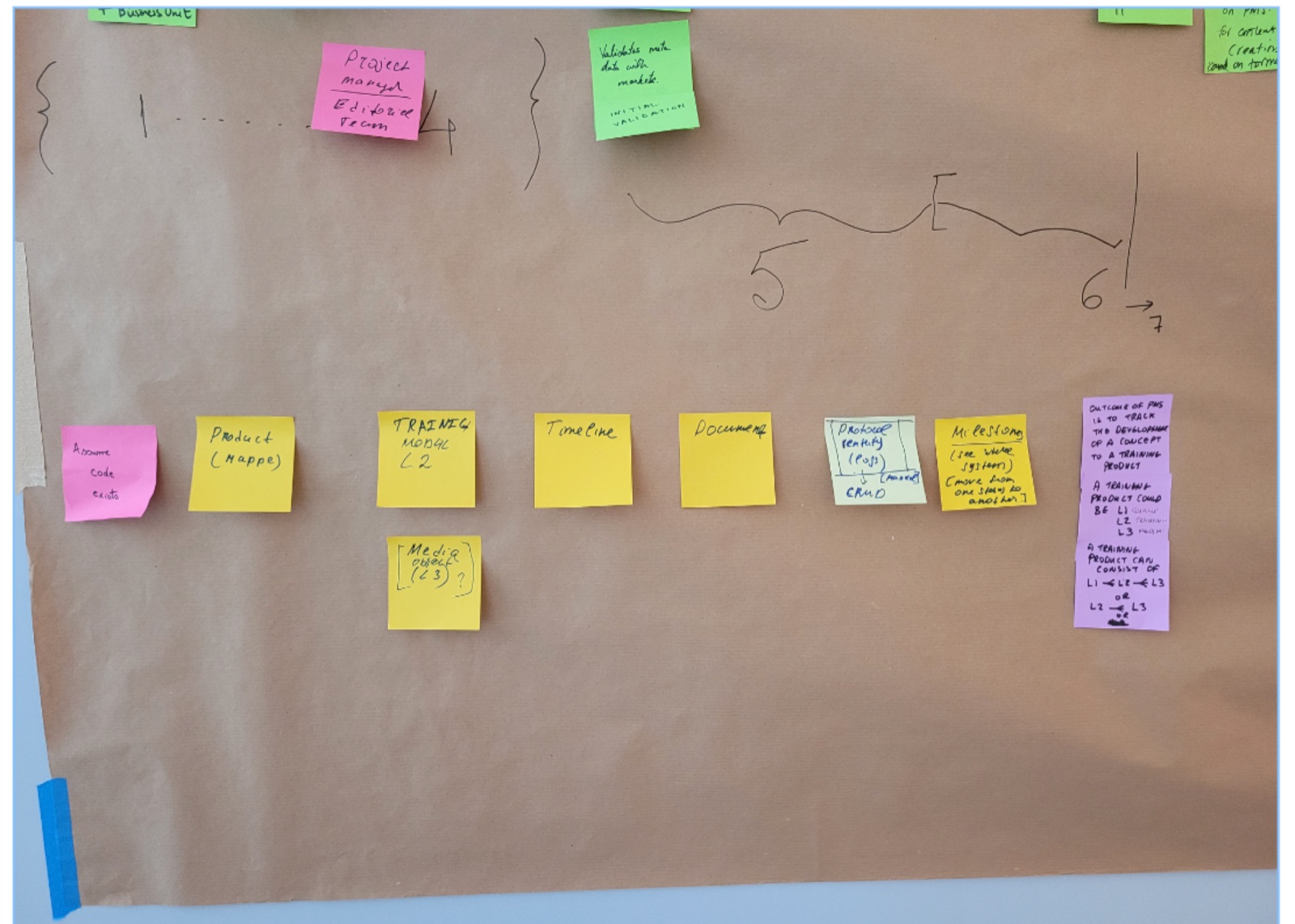
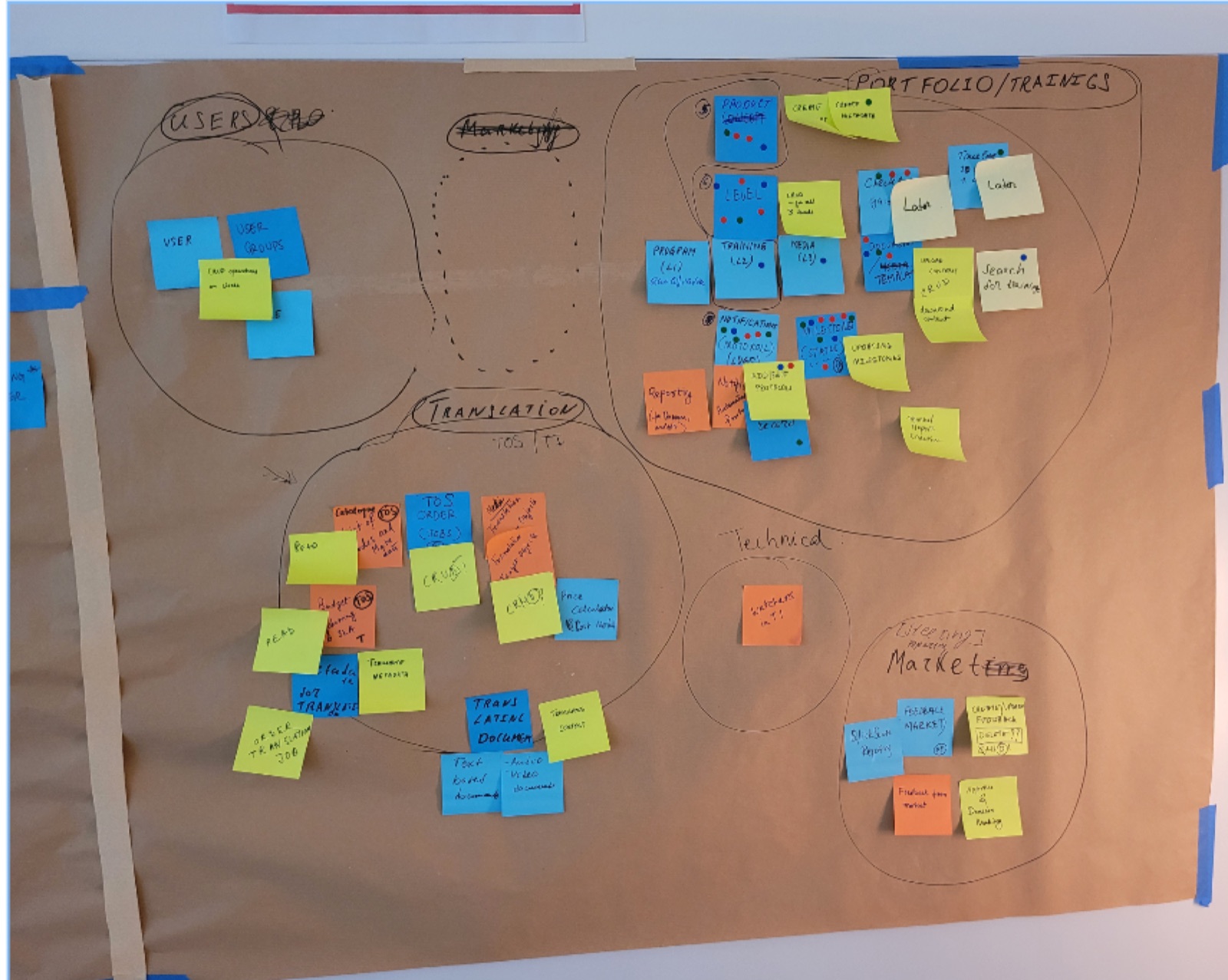
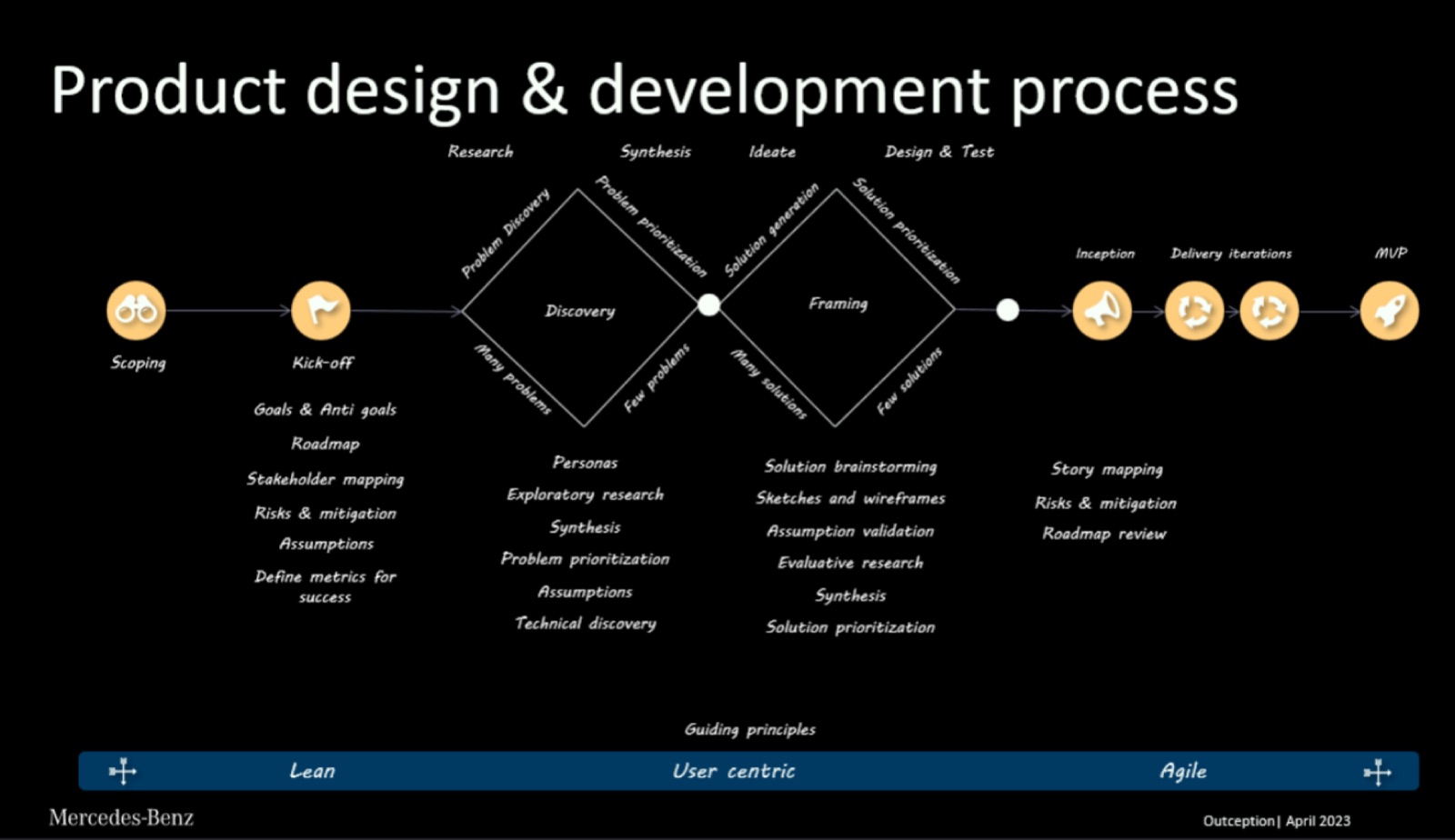
We defined a first set of assumptions, then prepared scripts and an interview schedule. The goal: understand the problem space and prioritize, validate our first ideas and define a starting point. From that strong “core”, we iterated on new PMS functionality directly through users’ feedback.
A recurring feedback loop with the main stakeholders and service experts validated new ideas and built up a knowledge base for the team.
Research
Blending user desirability with technical feasibility
We blended Design Thinking with SWIFT tools — traditional D&F methods supported the SWIFT methods and vice versa. This holistic approach let us prioritise competing needs from opinionated stakeholders.

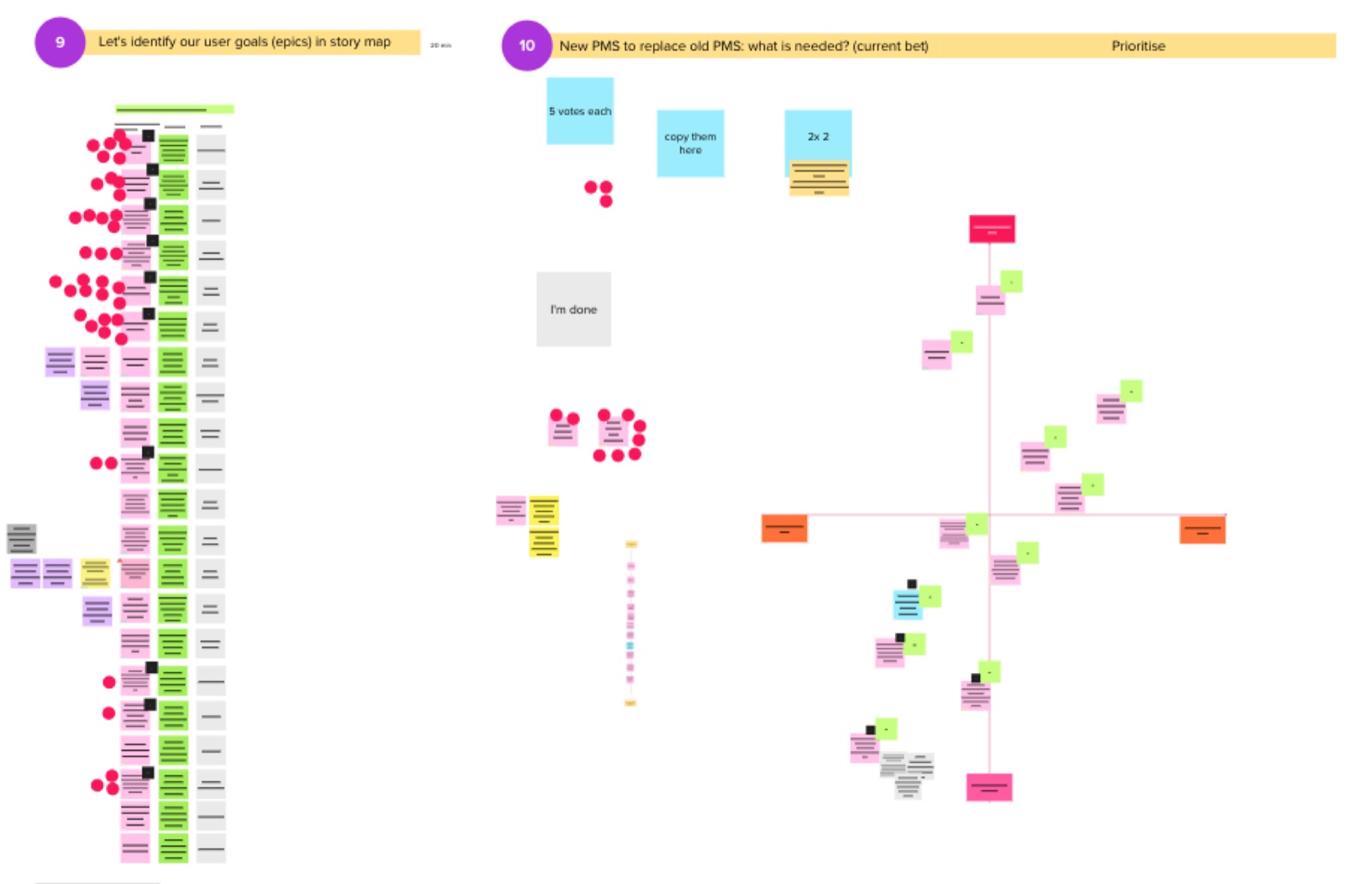
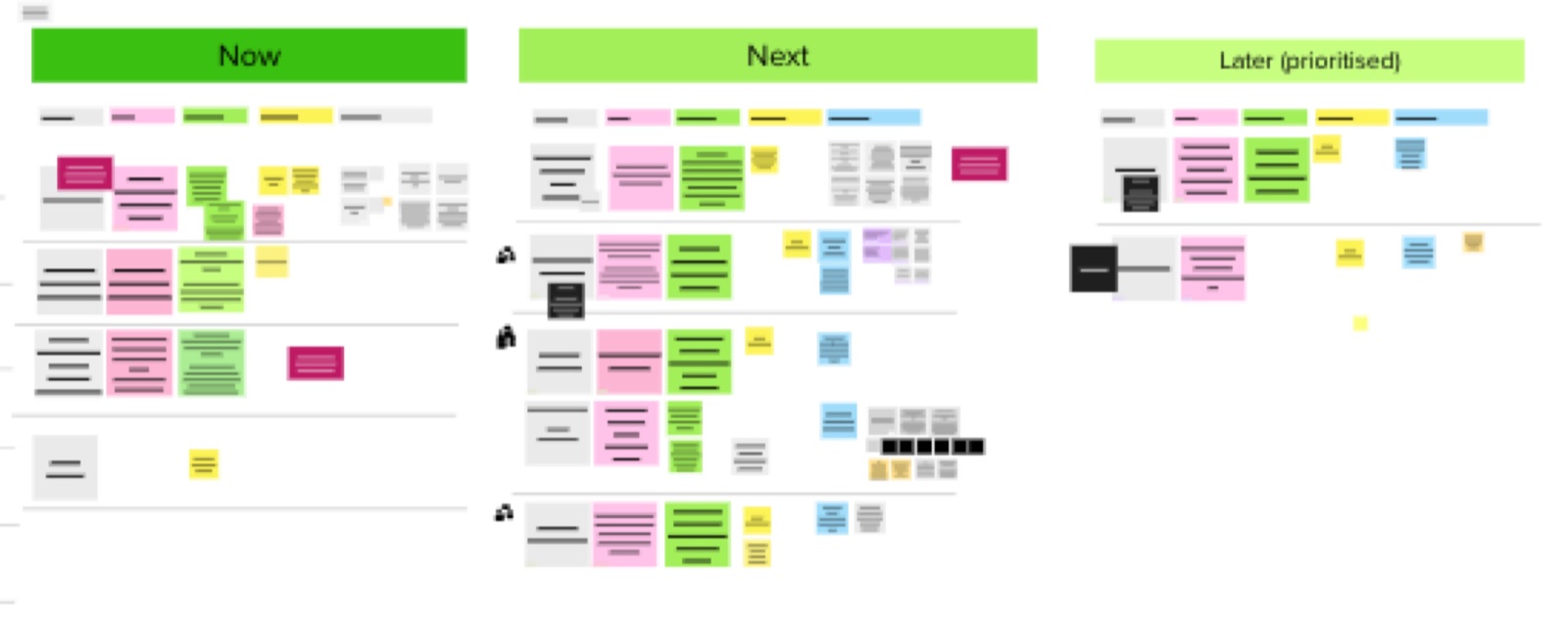
Product roadmap
Features were prioritised on research outcomes and technical feasibility, then laid out in a roadmap mapping the main user outcome of each functionality.
The team’s new working model
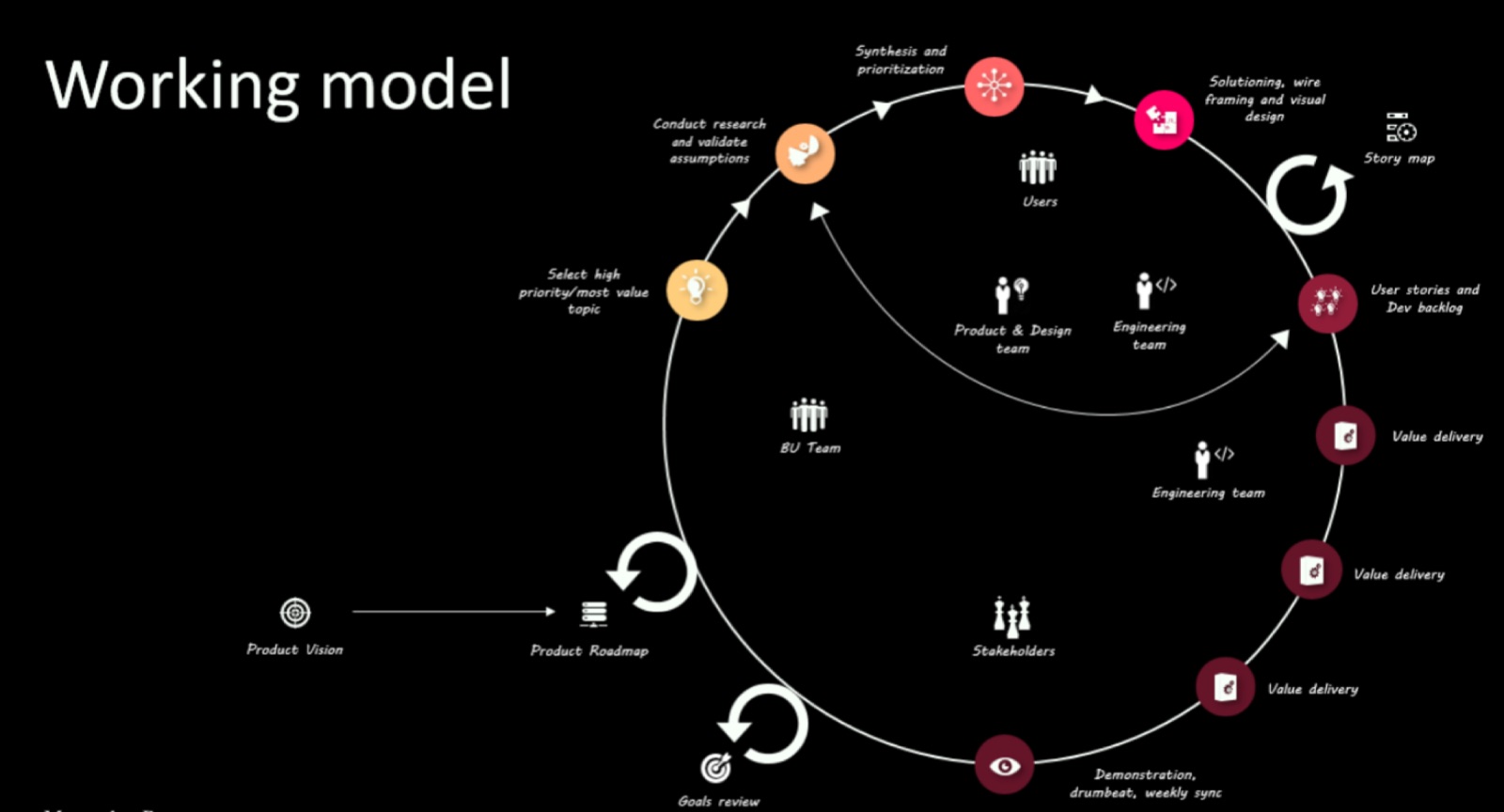
We helped define a detailed collaboration process between the team’s roles — based on our usual recommendations, tailored to their organisation — so the way of working from the engagement would carry on after we left.
# Design
Design system and library
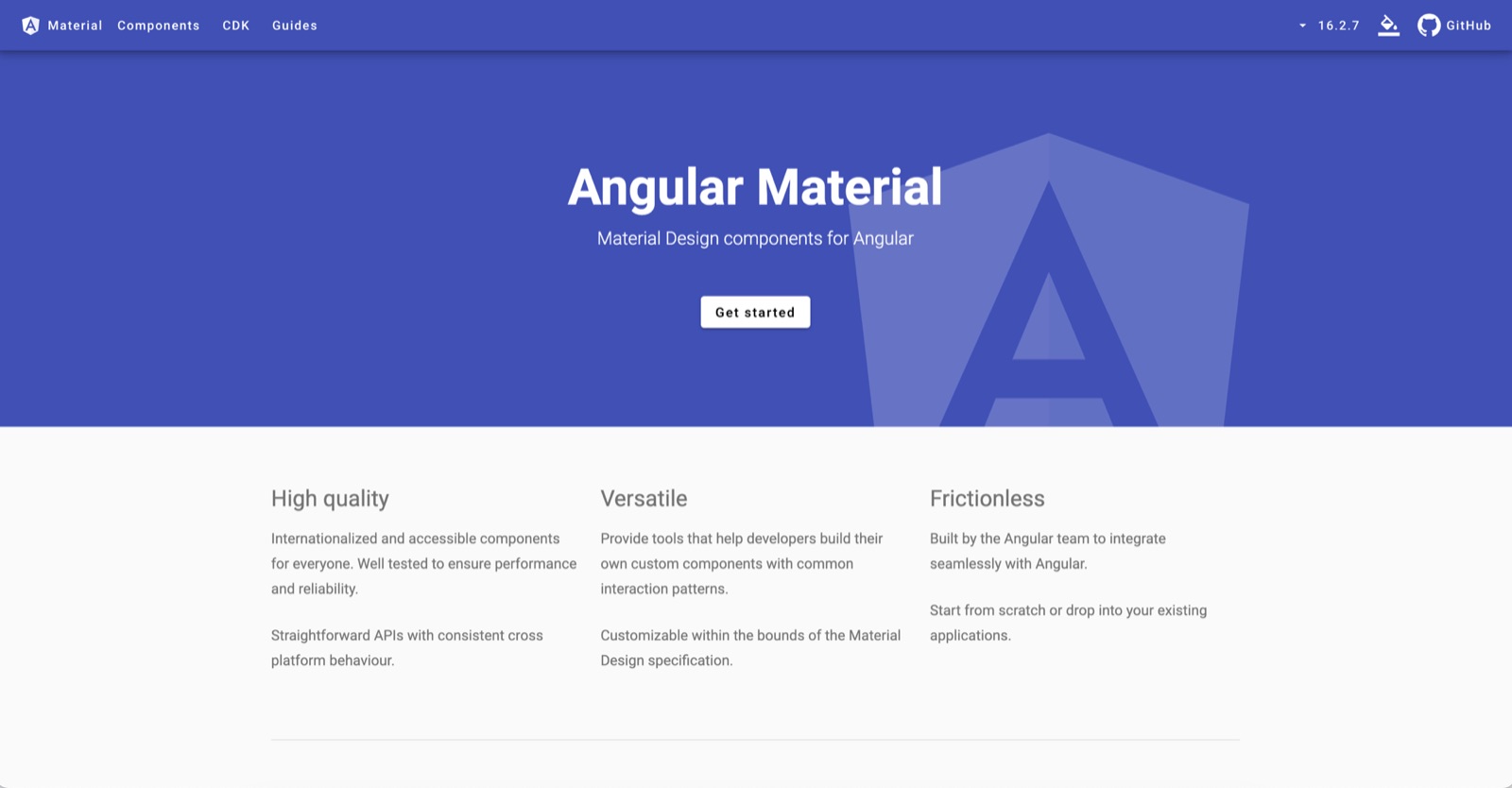
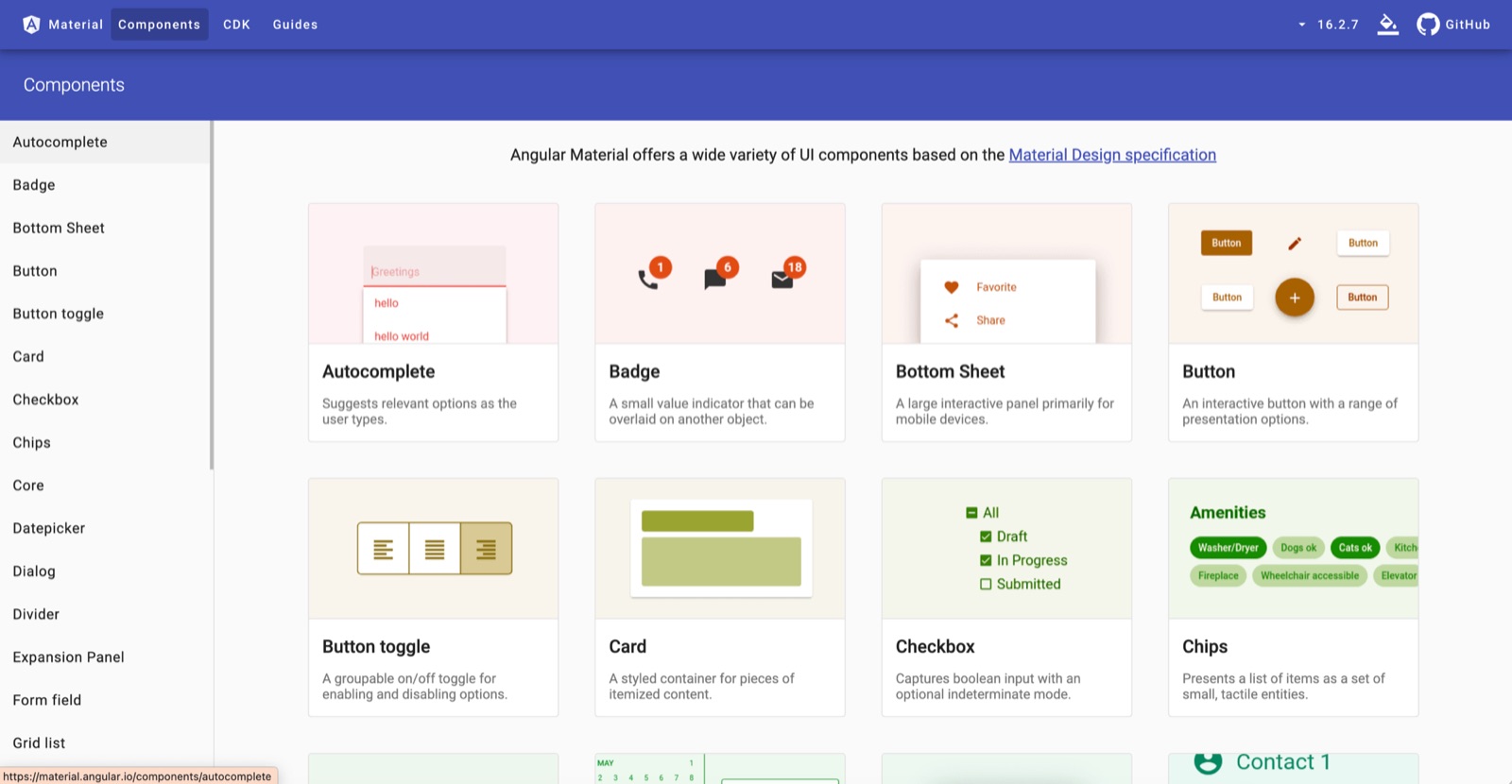
After evaluating the Mercedes component library (React based), we chose to build the web app in Angular instead — helped by the brand team’s lighter control over internal-only tools like PMS. The design system is Material Design for Angular (v16), with typography and colours adapted to the Mercedes brand guidelines.
Detailed design
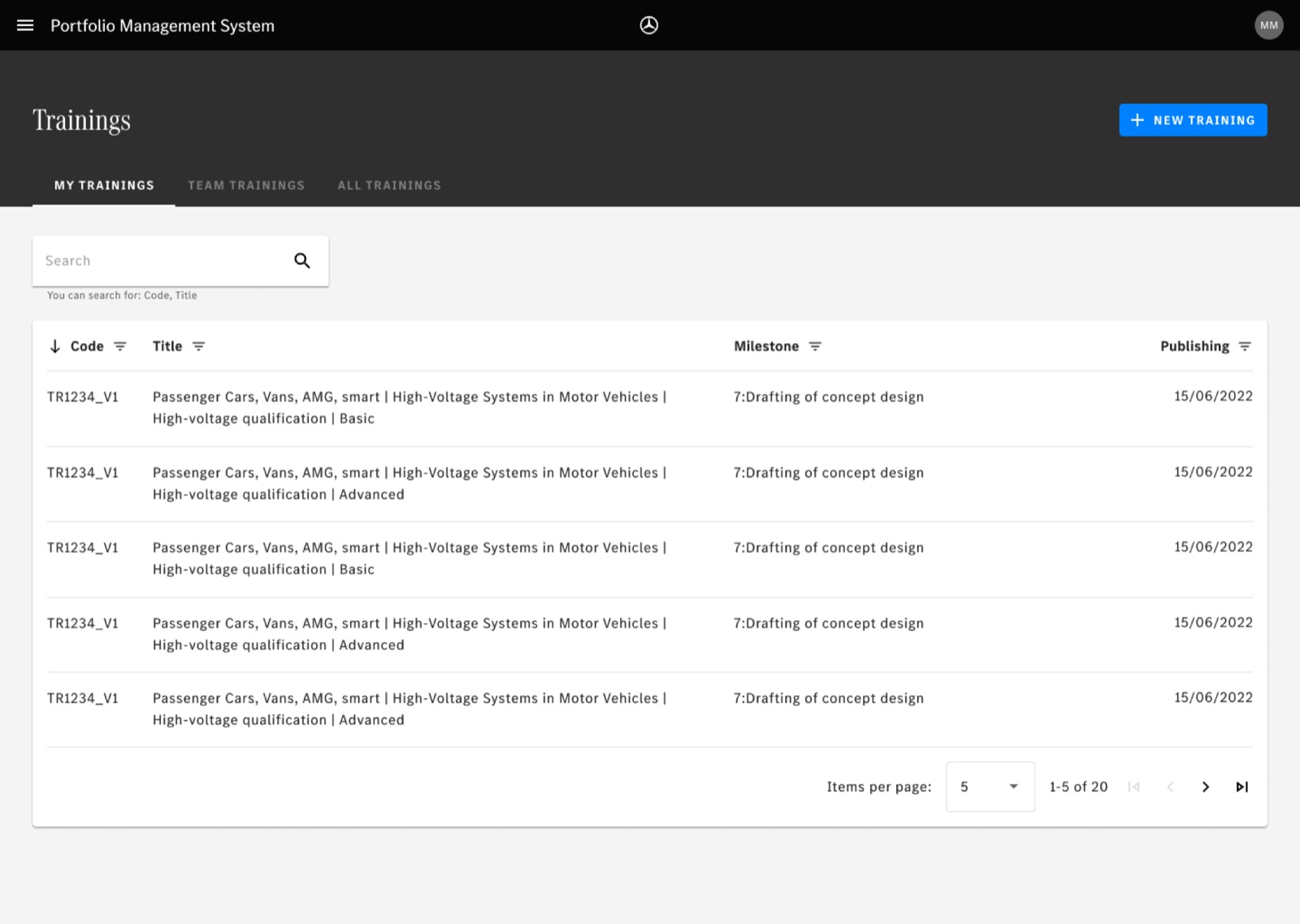
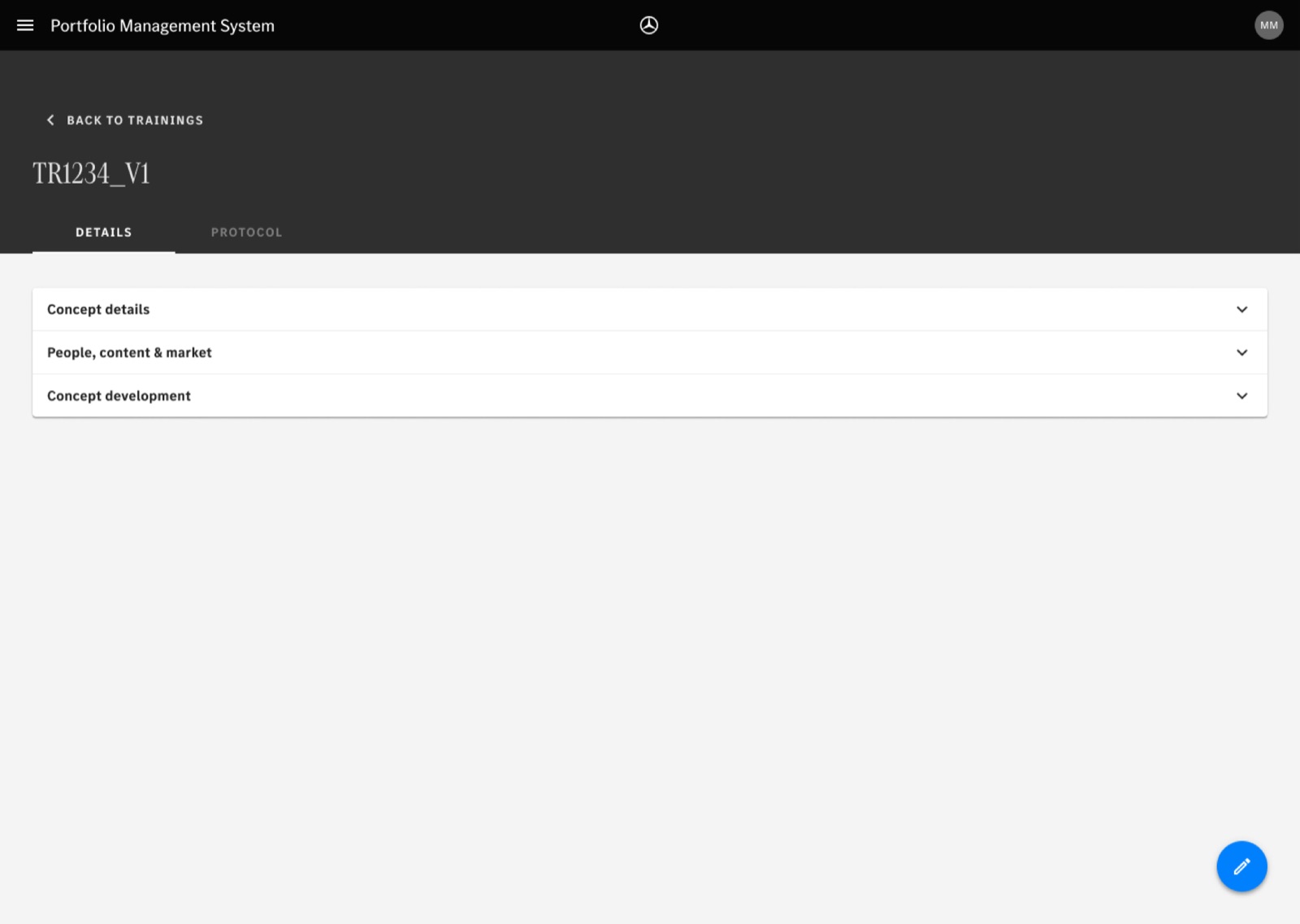
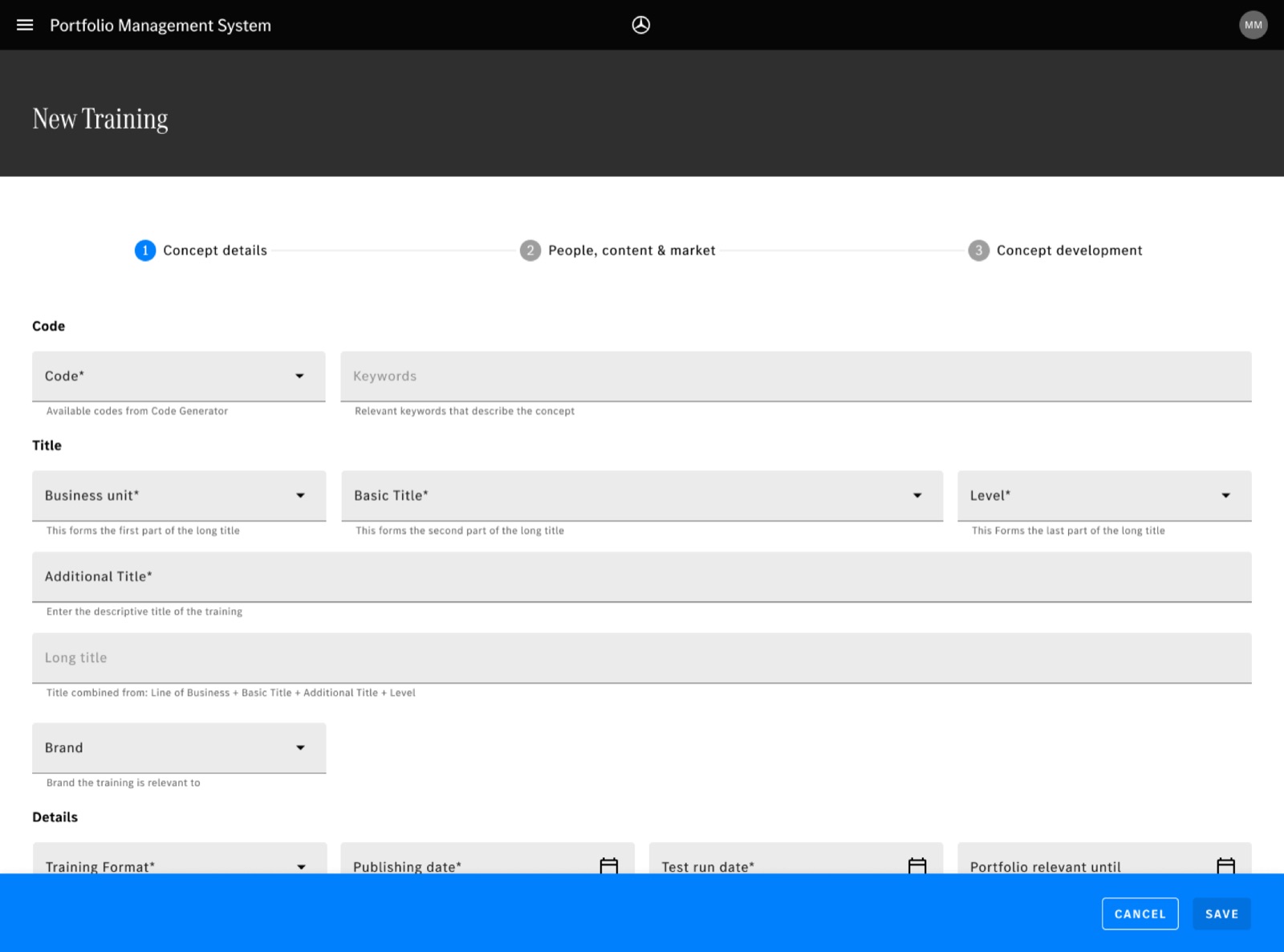
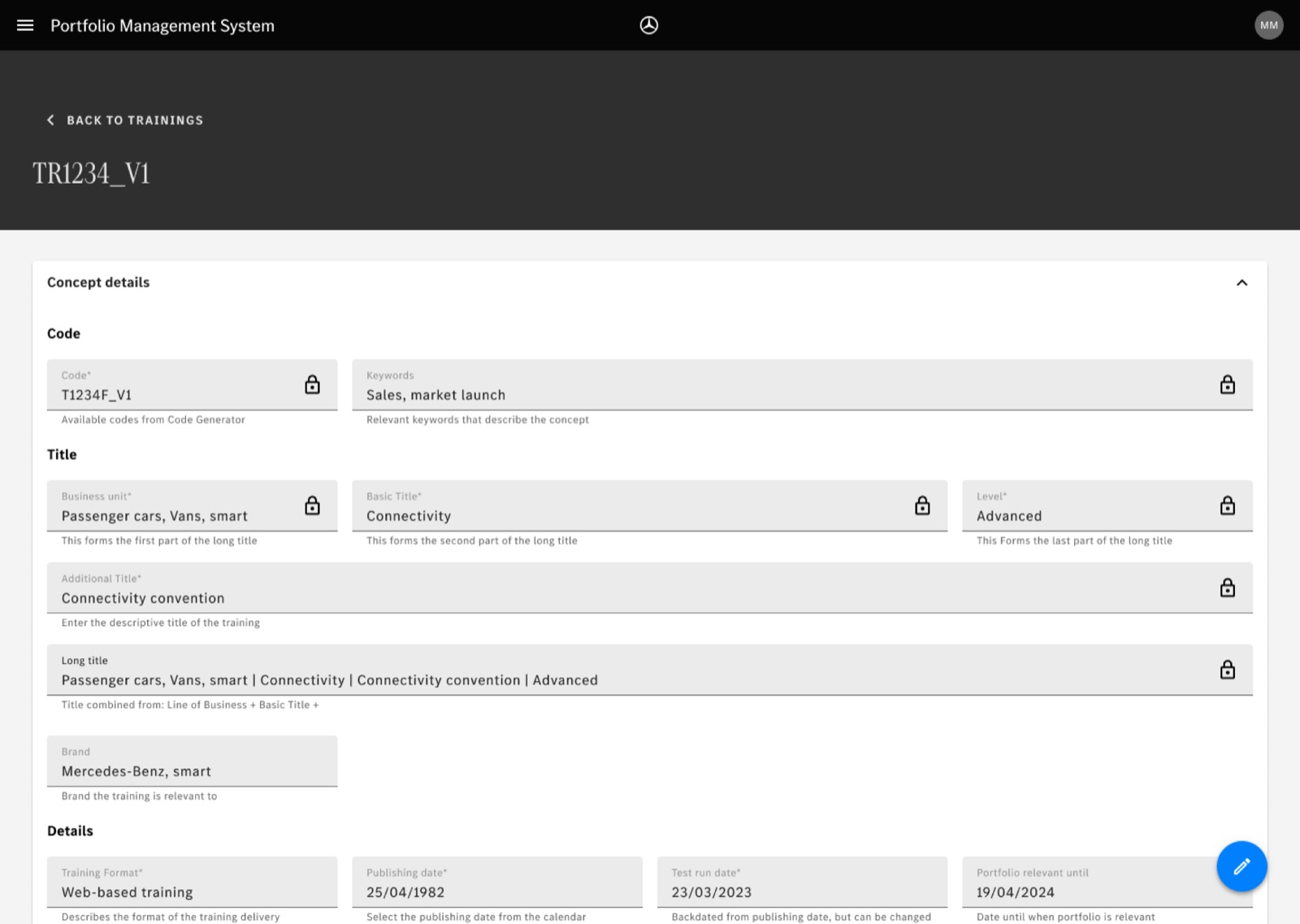
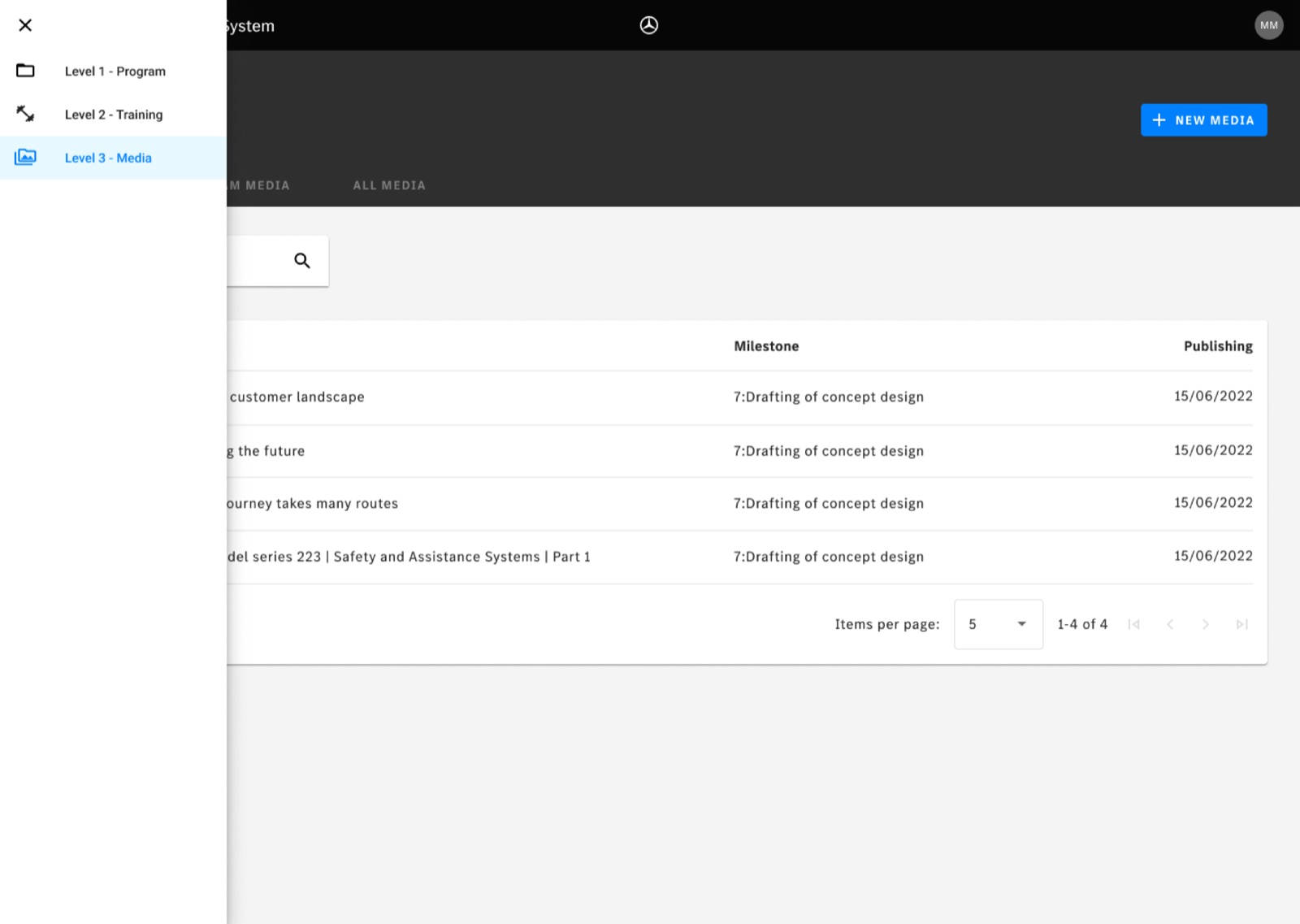
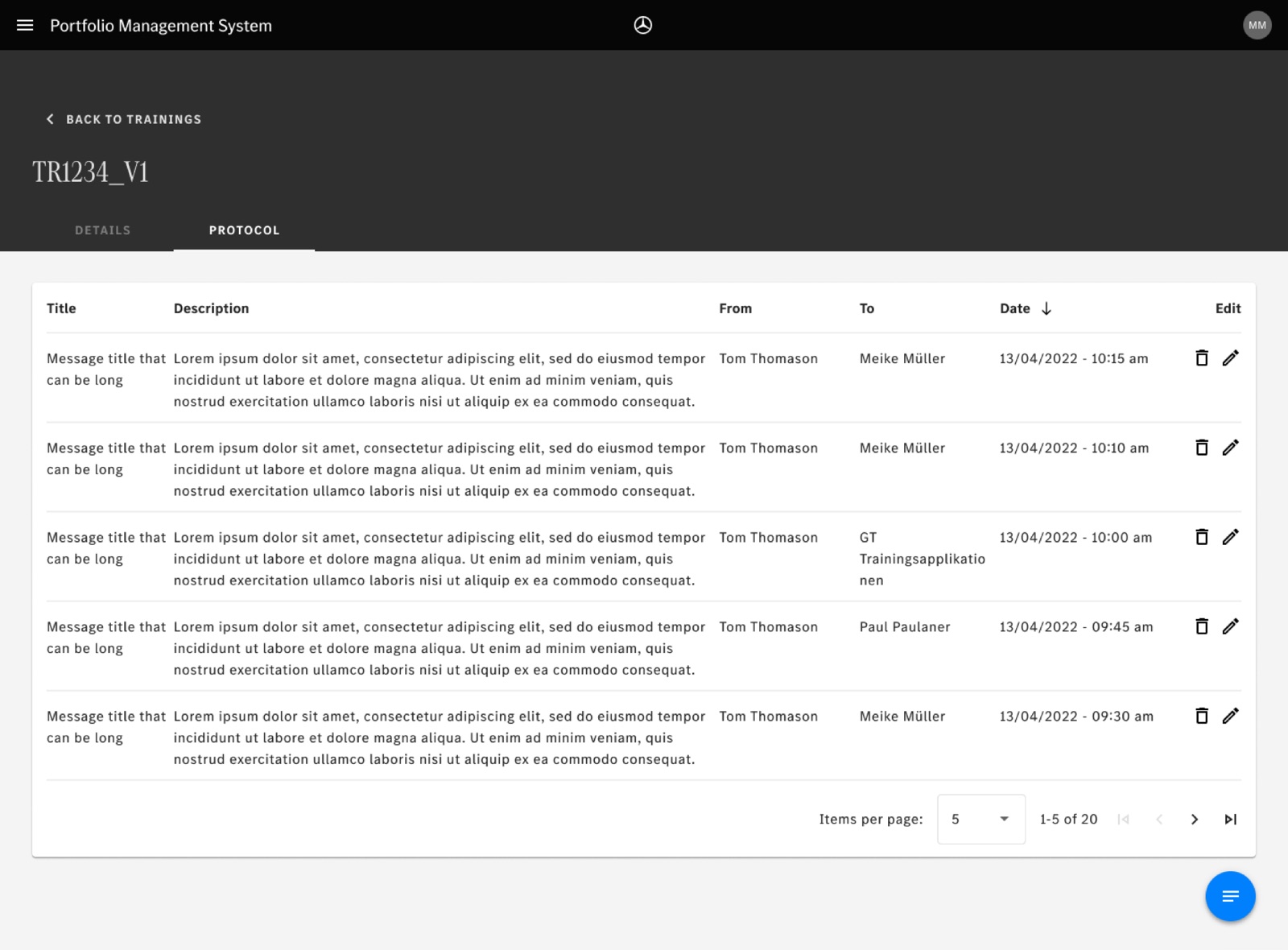
A new application that makes it easier to create and track trainings:
- Login
- Create, view and edit a training, media and program, with the associated metadata
- See the team’s trainings / media / programs, high level and in detail
# Challenges
| Challenge | How we overcame it | What we would do differently |
|---|---|---|
| The team didn’t really have context about the product (unlike “typical” engagements). | 2 recurring sessions per week with the users / stakeholders who knew the process best; service blueprints, user journey mapping, demos. | Recognise the situation as early as possible, find workarounds and manage expectations on progress. Agree early on a key experienced person ready to make time for the team. |
| Scope and goals weren’t clear at the start: a complex domain with many interlinked systems. | Open conversations about goals, team structure and the environment. Asking key stakeholders to make a decision. | Review the goals as a team after kickoff through a “how realistic is this?” lens — and make sure whatever version you keep is aligned with stakeholders. |
| The client’s designer wasn’t always available for pairing (side projects, meetings, a 3.5 h time difference). | Core pairing hours and a simple to-do board for tasks and priorities; some solo work on preparation and dev assets; flexible hours on both sides. | Discuss it as soon as possible and agree what’s fine to do alone vs. what needs to be done as a pair. |
| Skills scorecards weren’t very reliable, due to a very high self-evaluation by the client’s designer. | Used them mostly to pick focus areas and design ad-hoc enablement activities; revisited them as knowledge and context grew. | Rethink the scorecards: drop the score scale, and instead highlight areas of expertise and areas with room to grow, sorted by priority. |
# Outcomes
Stakeholder buy-in
Approval from key stakeholders in post-project surveys, enabling further funding and team expansion.
User satisfaction
Target of a user satisfaction score of 85% or higher in post-implementation surveys.